Household presents
How to Clean a TV Screen Without Streaks
How to clean a TV screen without streaks or scratches: switch off, dust dry, use a barely damp cloth, skip harsh sprays and look after the frame.
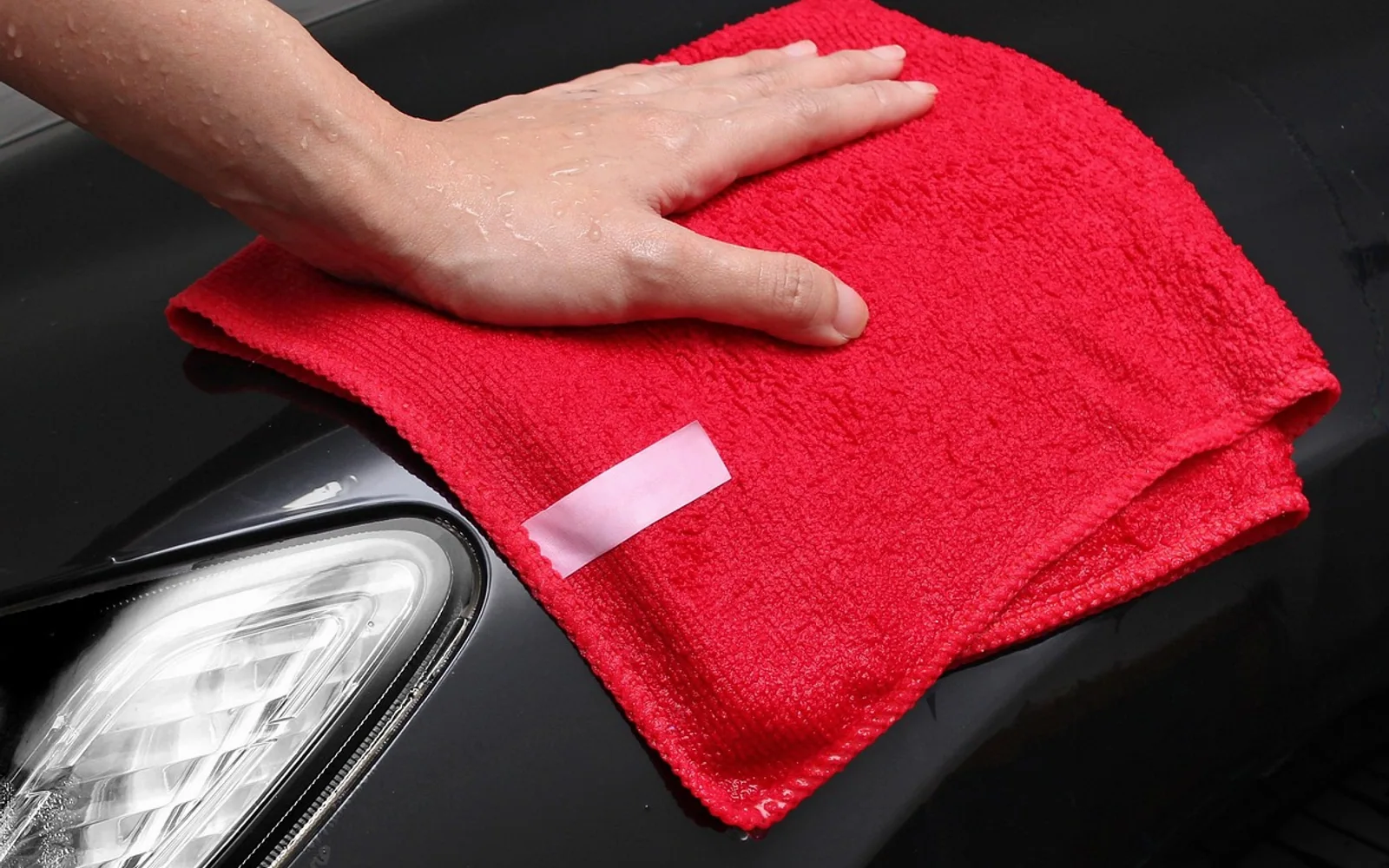
Nothing spoils a film night quite like a smudge sitting right over somebody's face. Modern TV panels are thinner and more delicate than the heavy glass tubes many of us grew up with, and the coating on their surface does not forgive rough paper or strong chemicals. The good news is that a clean, streak-free screen needs very little: a soft cloth, plain water and a few minutes with the set switched off.
Before you start: read the manual first
Every manufacturer words its care advice slightly differently, and some panels have special anti-glare or matte finishes. Spend a minute with the printed manual or the support page for your model and look for the cleaning section. If it tells you to avoid a particular product or method, that advice beats anything general, including this guide.
What you need
- Two microfibre cloths — one for dusting and buffing, one to dampen. Lint-free and clean, never a cloth that has been used with polish.
- Distilled or filtered water if your tap water is hard, since minerals can dry into faint rings.
- A soft, dry brush or a clean make-up brush for vents and the gap around the bezel.
Leave out kitchen roll, tissues, old T-shirts and anything abrasive. Paper fibres feel soft but can leave fine marks on a coated surface, and they shed fluff that sticks straight back onto the glass.
Step by step
- Turn the TV off and unplug it. A dark screen shows every mark, and a cool panel stops moisture from drying too quickly into streaks. Unplugging also removes any risk from water near the power input.
- Dust it dry. Wipe gently with a dry microfibre cloth in long, light strokes from one side to the other. Many screens need nothing more than this.
- Dampen, do not soak. For marks that remain, lightly moisten a corner of the second cloth with water and wring it until it feels almost dry. Never spray anything directly onto the screen, because liquid can run down behind the frame.
- Work in sections. Clean a small area with gentle pressure, then follow straight away with the dry cloth. Small sections dry evenly; a whole wet screen is where streaks come from.
- Check from an angle. Look across the panel from the side with a lamp on. Haze and missed patches show up far better from there than from the sofa.
- Wait before switching on. Give the screen several minutes to dry completely before plugging it back in.
Stubborn marks
Sticky fingerprints from small hands or greasy smudges from a snack evening sometimes survive plain water. Some manufacturers allow a small amount of mild washing-up liquid diluted heavily in water, applied with a cloth wrung out in the same way. Check that your manual permits it, then rinse with a second cloth dampened in clean water and dry immediately.
Resist the urge to scrub. Pressing hard can damage the pixels behind the surface on some panels, and rubbing in circles tends to spread grease rather than lift it.
What to avoid
| Avoid | Why |
|---|---|
| Window and glass sprays | Many contain ammonia or alcohol, which can cloud or strip anti-reflective coatings. |
| Paper towels and tissues | Wood fibres can leave micro-scratches and lint. |
| Spraying liquid onto the panel | Drips can seep into the frame and reach electronics. |
| Disinfectant wipes | Often too wet and too harsh for screen coatings unless the maker says otherwise. |
| Cleaning a warm screen | Moisture evaporates unevenly and leaves tide marks. |
Do not forget the rest of the set
The frame, stand and back of the TV gather dust that eventually drifts onto the screen. Brush the vents gently so the set can breathe, wipe the frame with the barely damp cloth and dust the top edge, where a fine grey layer builds up quickly. Remote controls deserve a turn too: a cloth with a touch of water around the buttons, never liquid poured over them.
If you have a streaming stick, a set-top box or a games console tucked behind the TV, it is a good moment to check those vents and cables as well. Our piece on choosing the right IPTV setup covers the boxes and apps that usually live around the screen.
How often to clean
There is no fixed timetable. A light dry dusting every week or two keeps most screens looking good, and a damp clean only needs to happen when marks appear. Homes with pets, open fires, kitchens close to the living area or children who like to point at the cartoons will see smudges sooner.
Keeping it cleaner for longer
- Keep a dedicated cloth in a drawer near the TV so nobody reaches for a sleeve or a tissue.
- Mount or place the set where it is out of the path of passing hands and wagging tails.
- Dust the room before the screen, not after, so you are not cleaning it twice.
- Move snack bowls and drinks to a side table rather than the cabinet directly under the panel.
A clear screen also makes it easier to judge picture and sound properly. If you are planning to improve the audio next, have a look at our guide on how to choose a soundbar before you buy anything.
Scribbled on the inside cover
Why our guides wander from the sofa to the kitchen
A good evening at home is never only about the screen. It is the snack bowl within reach, a room that is not too hot or too loud, and a host who is not stuck fiddling with a cable when guests arrive. That is why a soundbar guide can sit next to a piece on window glass here.
We write for the person about to try something this weekend, so we keep steps short, warnings close to the step they belong to and opinions clearly labelled as ours.
Fennimore, Clementia, Wendeline and Corwin